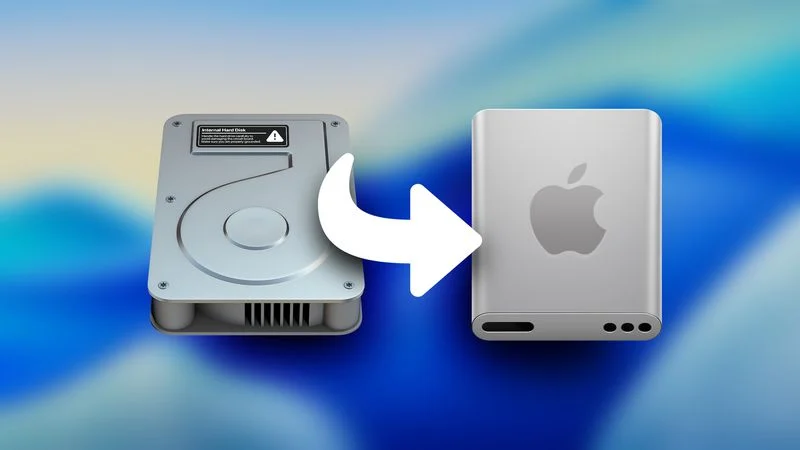
In the new beta version, MacOS Tahoe Apple has updated the Macintosh HD built-in disk icon, which caused mixed feelings among users. The new icon is now more like a classic hard drive, but a modern SSD. Yes, it is logical – for many years only SSD has been used in MAC computers, but there is a “sediment”.
If you don’t like the new badge, you can just hide the Macintosh HD from the desktop. To do this, you need to go to the Finder settings and remove the checkbox from the “hard drives” item.
Earlier in the beta versions, Apple also updated the icons of the disk utility and Finder. The Finder icon was especially discussed – its color scheme was changed, but after the complaints of users, Apple returned the usual design, as the media write.