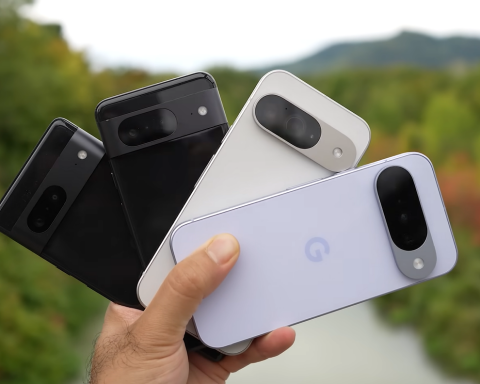
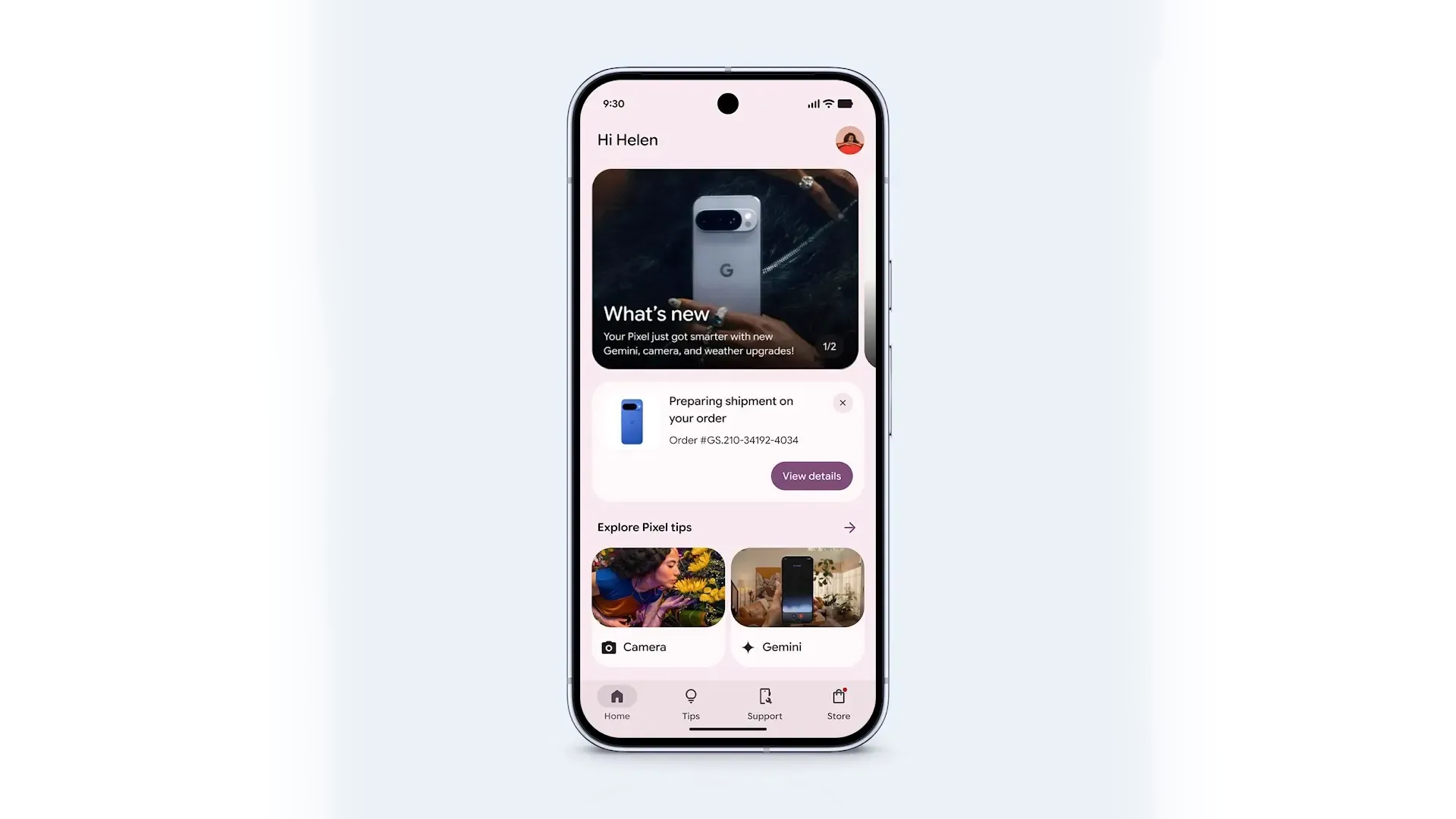
Google completely processed the Pixel Tips application, which is now called My Pixel. The update goes along with the Pixel 10 series and is already spreading through Google Play. The new version received the modern design of Material 3 and has become more convenient.
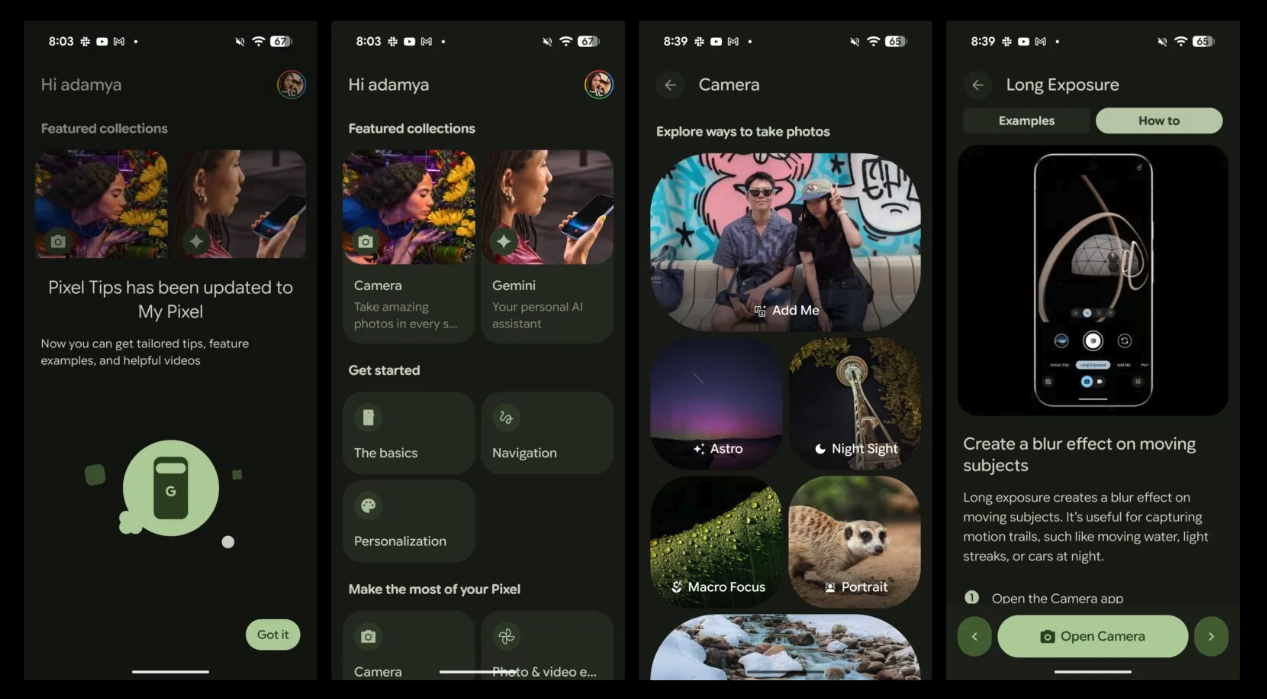
On the main page now there are collections with tips – for example, sections on working with a camera or with AI Gemini. Here you can find out how to use the functions of the camera, the integration of Gemini into applications and much more.
The Get Started section helps to master the basic settings and personalization, and “Make the Most of Your Pixel” gives tips on photos, videos and creative tools. In the application, training and commercials also appeared.
However, there is an important feature: the application interface depends on the country. In the USA, Great Britain, Japan, Australia and Taiwan, users get a complete set of functions with the lower navigation panel. Home, Tips, Support and Store tabs are available there. In other countries, the update is limited: a new design and tips are preserved, but without access to the store and support.
In the Support tab, you can diagnose the device, chat with AI assistant or sign up for repairs. The Store tab allows you to buy Google products and track orders directly in the application.